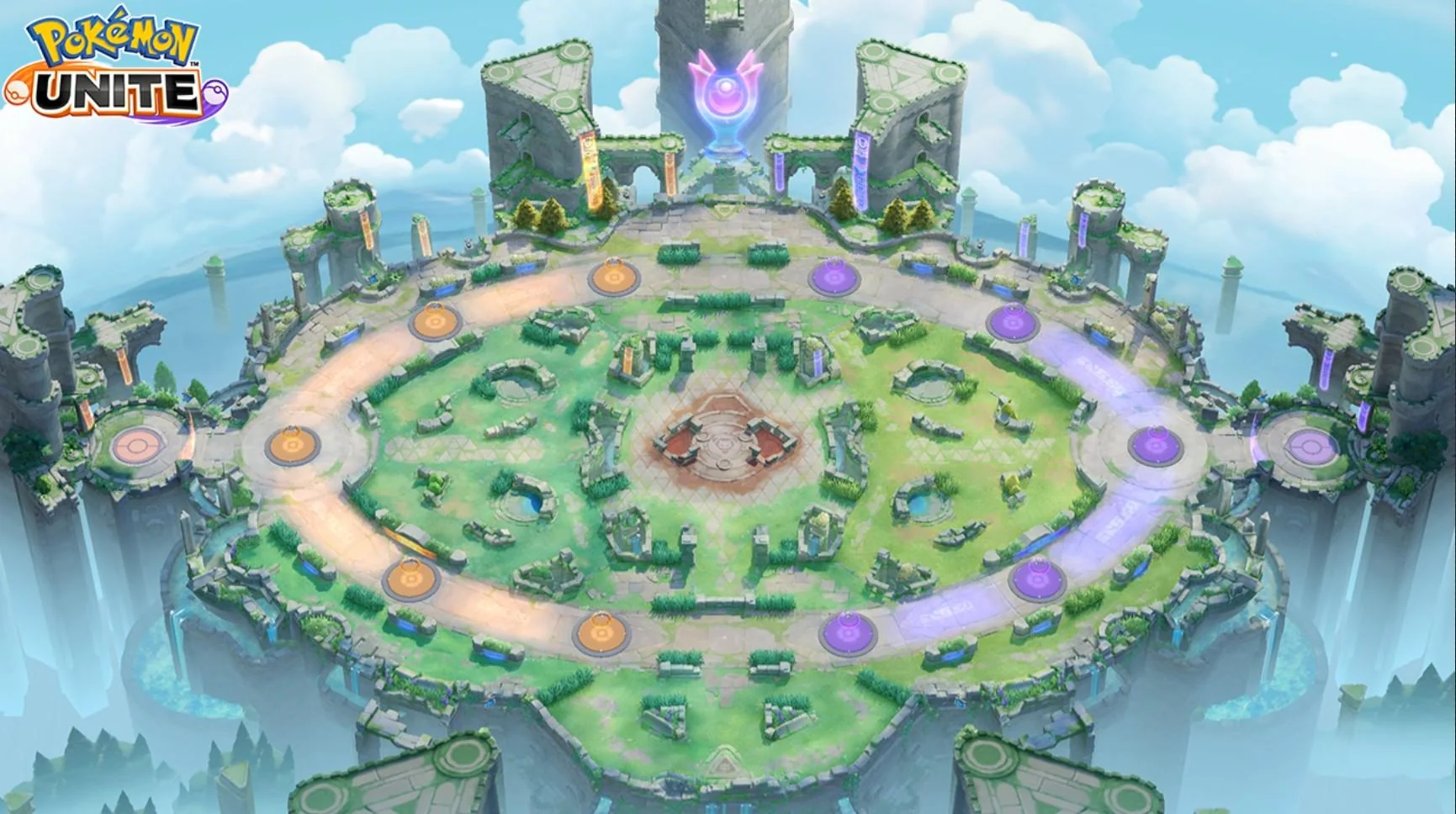
Every spawn of the selected map. Times are on the in-game clock, counting down from 10:00 like the timer above.
No mobs defeated yet.
Click a Pokémon on the map to track it.
No towers destroyed yet.
Click a tower on the map to track it.
Use the buttons at the top to switch between Groudon, Kyogre and Rayquaza maps. The timer and all spawns reset automatically.
Press ▶ Play to start the countdown from 10:00. Drag the slider or edit the fields to jump to any time. Press Space to play/pause, R to reset.
Icons appear at the correct game time. Click to mark as defeated - it greys out and the respawn timer starts automatically.
Click a tower to mark it destroyed. Some Pokémon only appear depending on which goals are broken, so keep them updated.
Click the Tracker button (top-right) or press T to open the kill tracker. See when mobs were killed and when they respawn. Switch between Mobs and Towers tabs.
Scroll below the map for the spawn tables (Altaria timers by goal state, every spawn, and what each goal changes). Use Visual / Table next to the timer to hide the map and only see the tables.
Hover any icon for ~1 second to see HP, spawn rules, and interactions.
Space Play/Pause · R Reset · T Tracker · H Help · Esc Close